Signing In & Your Account 11 articles in this folder
How signing in to PixelChat works
PixelChat accounts don't have passwords. There's nothing to remember and nothing to reset. You sign in one of two ways:
With your email address
- Go to pixelchat.ai and select Sign In
- Enter your email address and select Continue
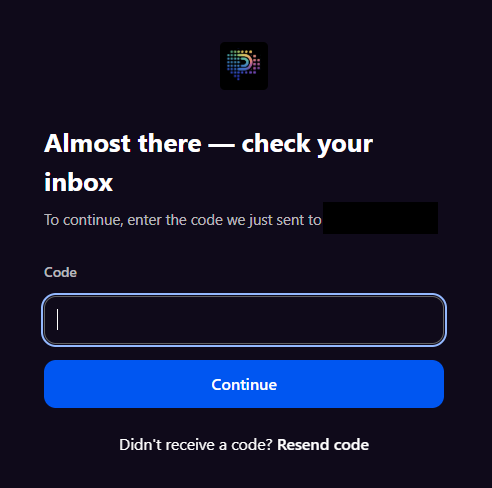
- We'll email you a one-time confirmation code from NextDay AI Roleplay
- Enter the code on the next screen
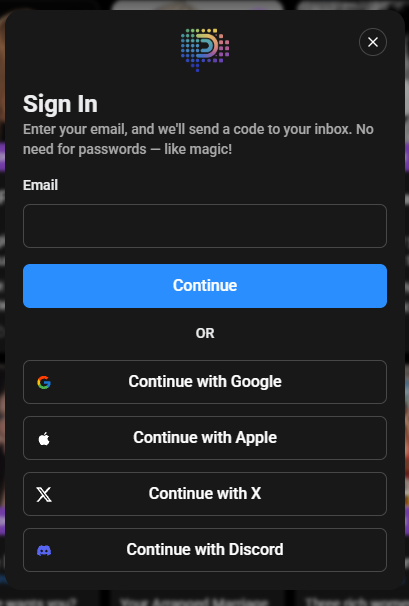
With a linked service Select Google, Apple, X or Discord and sign in through that provider.
Three things worth knowing
Google, Apple and X also work with the email code. If you signed up with any of those, you can also sign in by entering that same email address and using the one-time code — both routes open the same account.
Discord is the exception. A Discord sign-up can only be reached through the Discord button. Entering the email address linked to your Discord account into the email form will create a separate new account rather than opening your existing one.
One sign-in method, one account. Apart from the Discord case above, an email address only ever has one PixelChat account behind it — switching between Google, Apple, X and the email code won't leave you with duplicates.
Was this article helpful?
That’s Great!
Thank you for your feedback
Sorry! We couldn't be helpful
Thank you for your feedback
Feedback sent
We appreciate your effort and will try to fix the article